|
|
|

|
|
|
|
|

|
|
|

|
|
|

|

|
|
|
|
|
|
First you need to install the hiMolde CA certificate.
We recommend you use Internet Explorer when installing the certificate. Internet Explorer will automatically install the certificate in the correct certificate store. If you prefer to use another browser you will have to download the certificate to your harddrive (right clik the link below and select something like Save Link As), and then double click the downloaded certificate file and proceed withe the installation as described below.
Click here to download the certificate. Select Open:
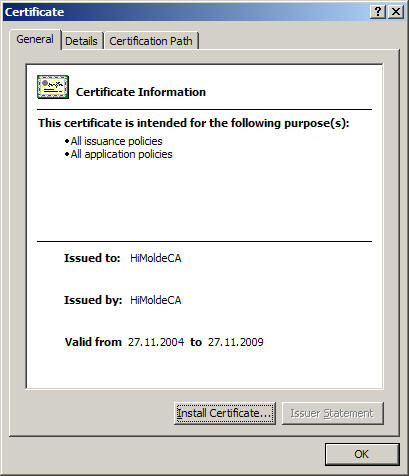
Select Install Certificate
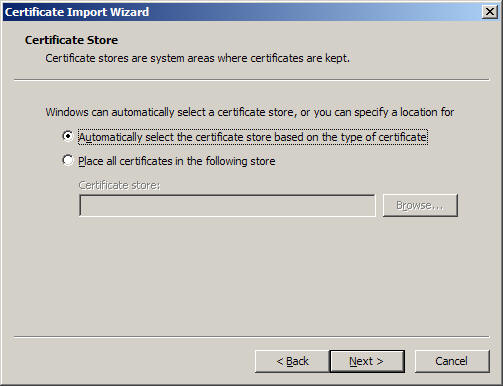
Select Next:
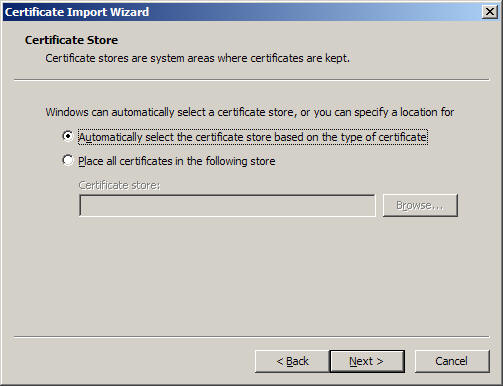
Select Next:
Select Finish:
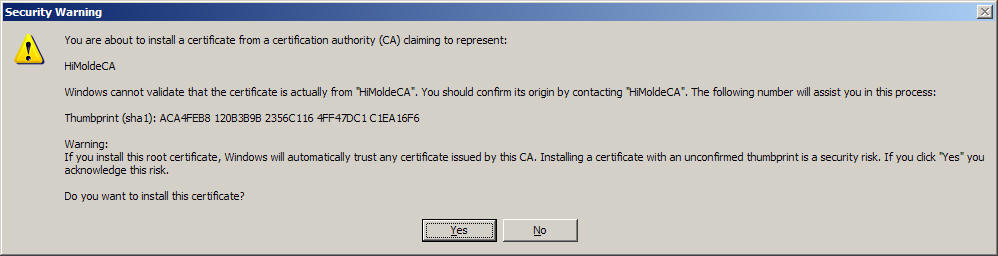
Answer Yes on the Security Warning:
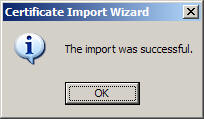
If everything went fine you will receive following pop-up window:
Press OK, and the installation of the HiMolde CA certifcate is finished.
Please continue the setup procedure.
|

 hurtigmeny